

TUMO World Access & Behavior
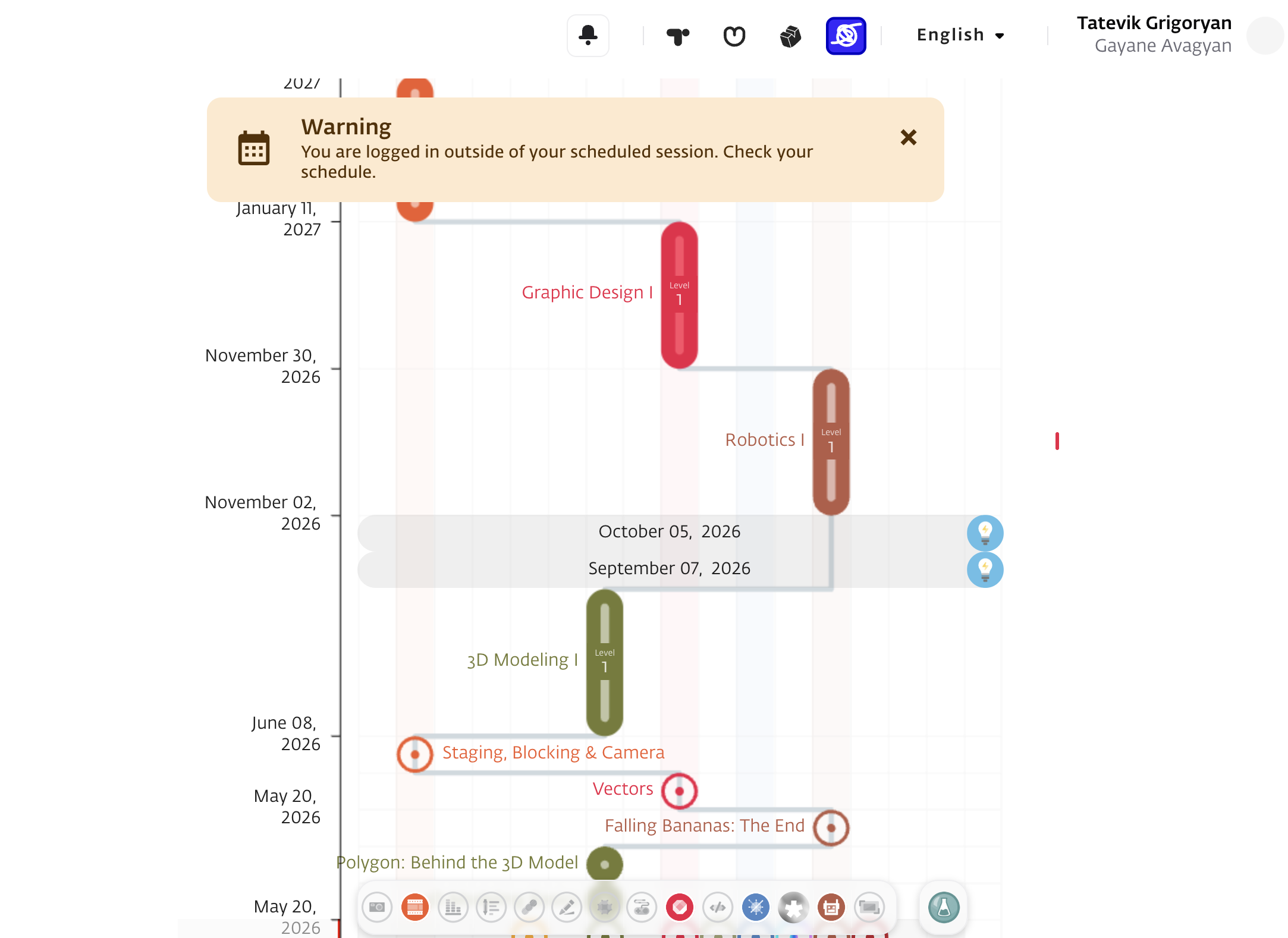
Students can now access TUMO World outside of their regular TUMO schedule and from any location, giving them more flexibility to stay connected with their learning journey beyond in-center sessions. When students log into TUMO World outside of their assigned schedule, they are automatically placed in view mode.
Access outside regular TUMO schedule
When accessing TUMO World outside their regular schedule, students can:
- View their TUMO Path, including activity statuses, workshops, and lab details
- Browse and register for Learning Labs
- Access the My Progress page
- View their schedule
- Access Announcements
Access during assigned TUMO sessions
During their assigned TUMO sessions, standard access rules remain unchanged, and students can continue using TUMO World from TUMO locations as usual.
Exception: Self-learning sessions
The only exception is during a student’s assigned self-learning session, when they are expected to be physically present at TUMO. During this time, when they receive full access, view mode is disabled.
Handling Most Common Issues
No frequent issues have been detected with this workflow. If You detect a problem, please apply to
TUMO Product support.