

Students can participate in multiple Learning Labs as long as their exact session times do not overlap.
- If session times do not overlap → Students are allowed to apply to them, and once approved, all approved labs are displayed in the Path
- If session times overlap → Students are notified about the conflict and can choose to replace the lab with the new one if it is not marked as approved.
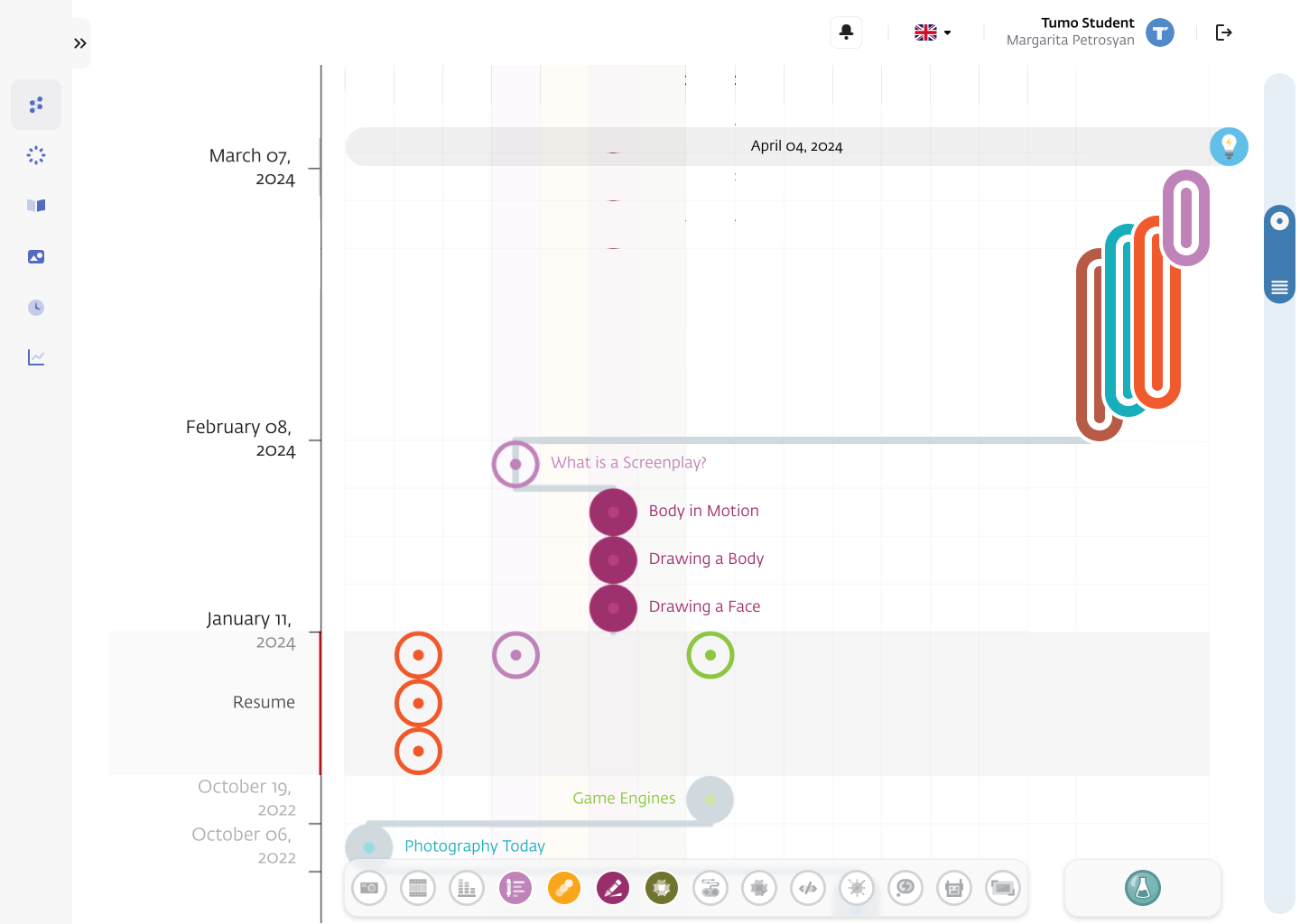
Note: Overlapping calendar dates are allowed for multiple labs — only actual date-and-time conflicts matter, since a student cannot physically attend two different labs at the same time.
Learning Labs and Permanent Workshops
Learning Labs always take priority over permanent workshops.
Permanent workshops are considered conflicting with a Learning Lab if their date ranges overlap — even if their session times do not.
What this means
Permanent Workshops now defer to Learning Labs. When a student has an approved Learning Lab whose date range overlaps with a permanent workshop, the workshop is automatically removed from the Path.
Before submitting a lab application, students are shown any changes that would occur if the lab is approved, so they understand exactly how their Path may shift(see New Flow for Applying to learning Labs). The Path also no longer subscribes students to permanent workshops that overlap with any approved learning lab.
Note: Staff can still manually enroll students in conflicted workshops, but the system will display a warning to highlight the Path conflict.
Scenario Examples:
Scenario 1
- Student enrolled in:
- A permanent workshop in January
- A permanent workshop in February
- Student applies for a Learning Lab from Jan 15 – Feb 15, and his/her participation is approved
The system unsubscribes the student from both permanent workshops
Even though session times may not overlap
Scenario 2
- Student enrolled in:
- Permanent workshop in January
- Permanent workshop in February
- Student applies for a Learning Lab from Jan 10 – Jan 28, and his/her participation is approved
The system unsubscribes the student from the January permanent workshop
Handling Common Issues
No other frequent issues have been identified for this workflow. If you encounter any problem, please contact TUMO Product Support.
Related Articles
Student View: Viewing and Applying for Learning Labs
Student View: Learning Labs In Path
Automated Application Review Logic for Learning Labs