
1. What is TUMO App Vault?
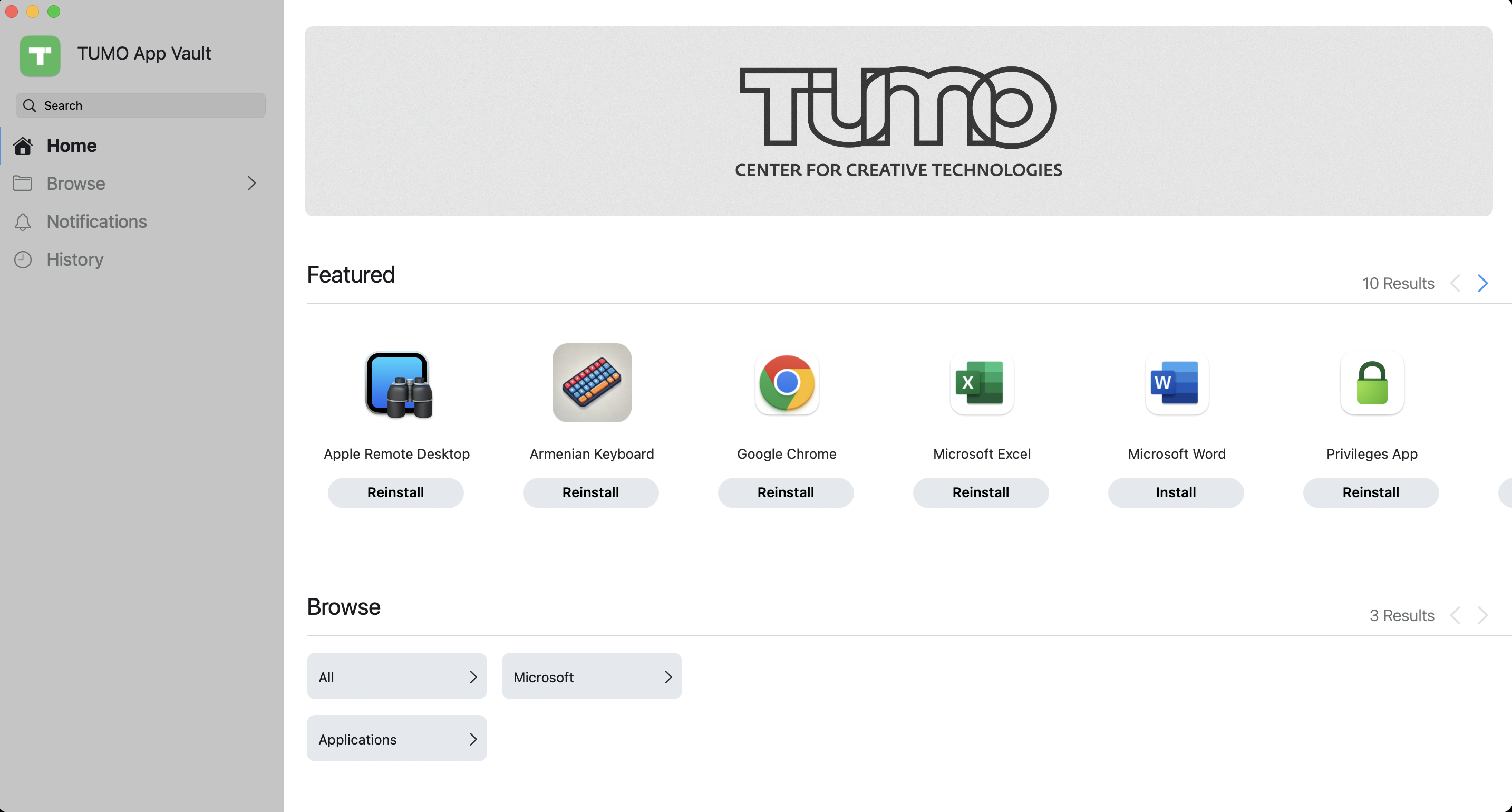
TUMO App Vault is your centralized tool for installing approved applications on your Mac. It replaces the need for manual software installation and ensures that all applications come from trusted internal sources.
2. How to access the App?
You can find the TUMO App Vault in your computer's Application folder. Use the "App" (old Launchpad) on your Dock to open Applications.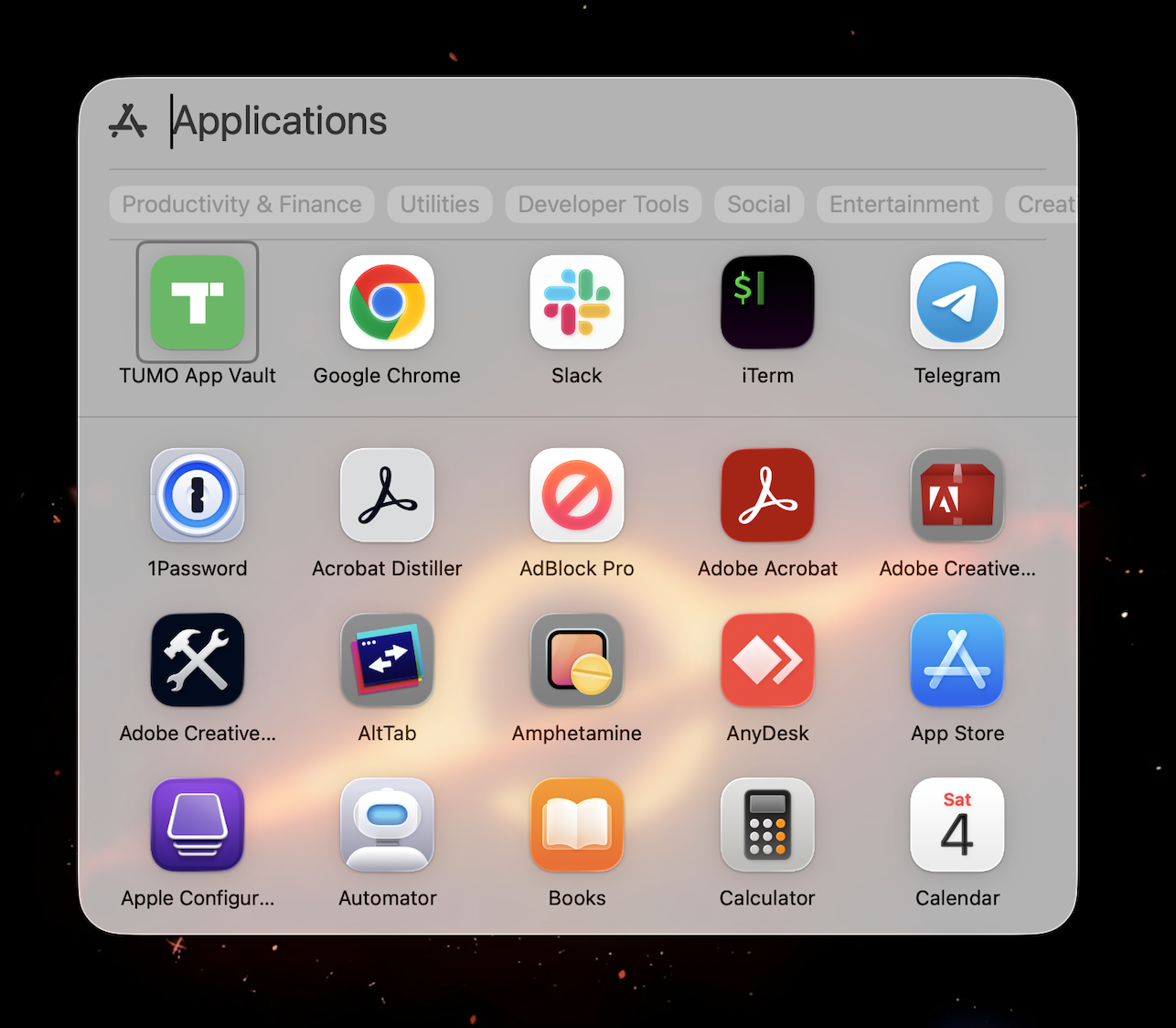
3. Installing Applications
- Browse or search for the desired application using the search bar on the left pane.
- Click Install under the application name.
- The installation will begin automatically.
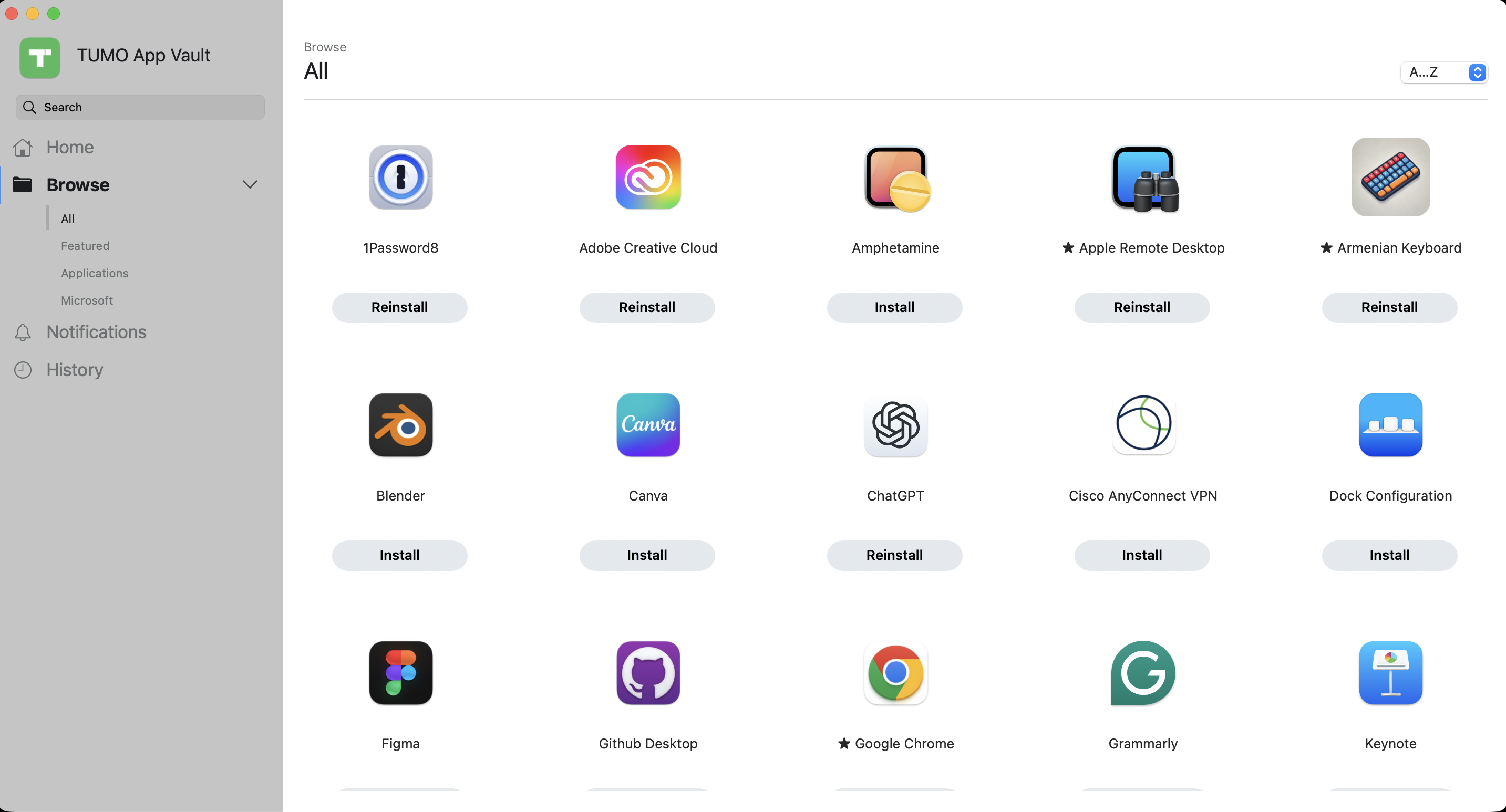
- The process may take several minutes, depending on your network connection and app size.
- The app icon will appear in your Applications folder once installed.
- If the application you need isn’t listed, submit a ticket to IT requesting its addition to the catalog.